
Brand-New LG Dryer Showing D80? Check These Things Before You Return It
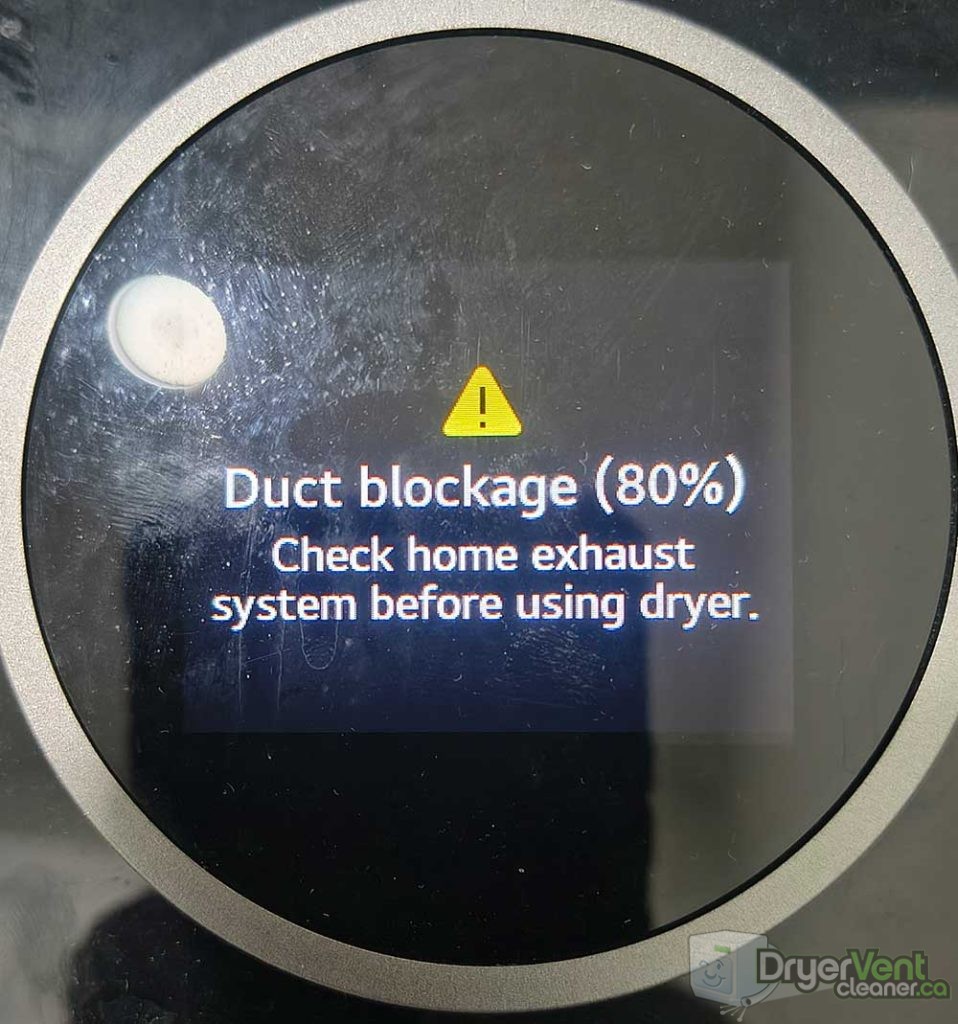
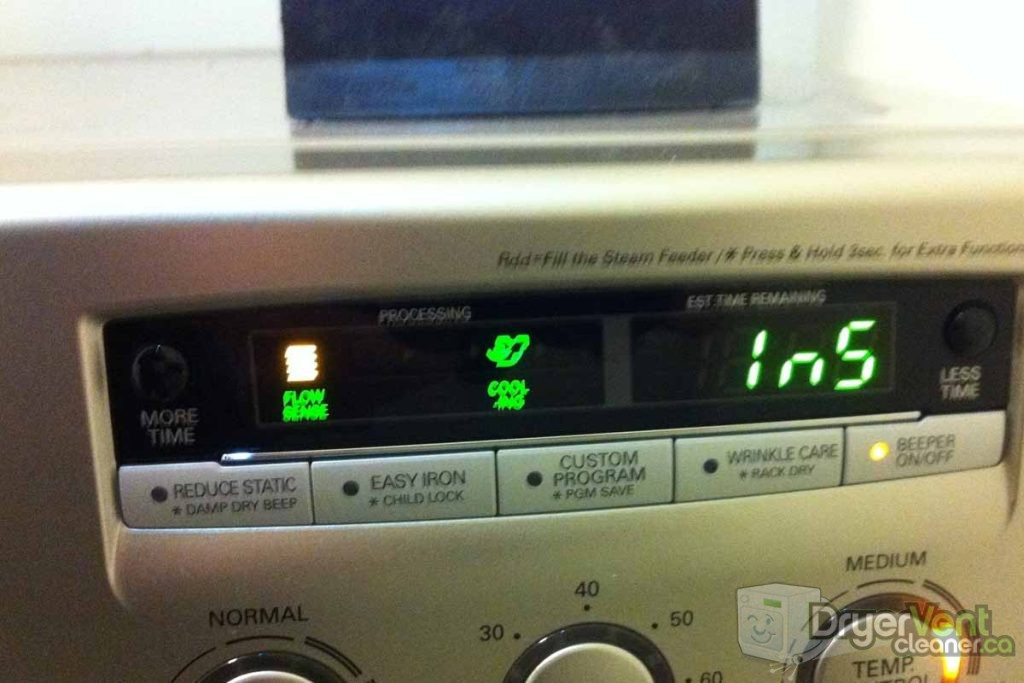
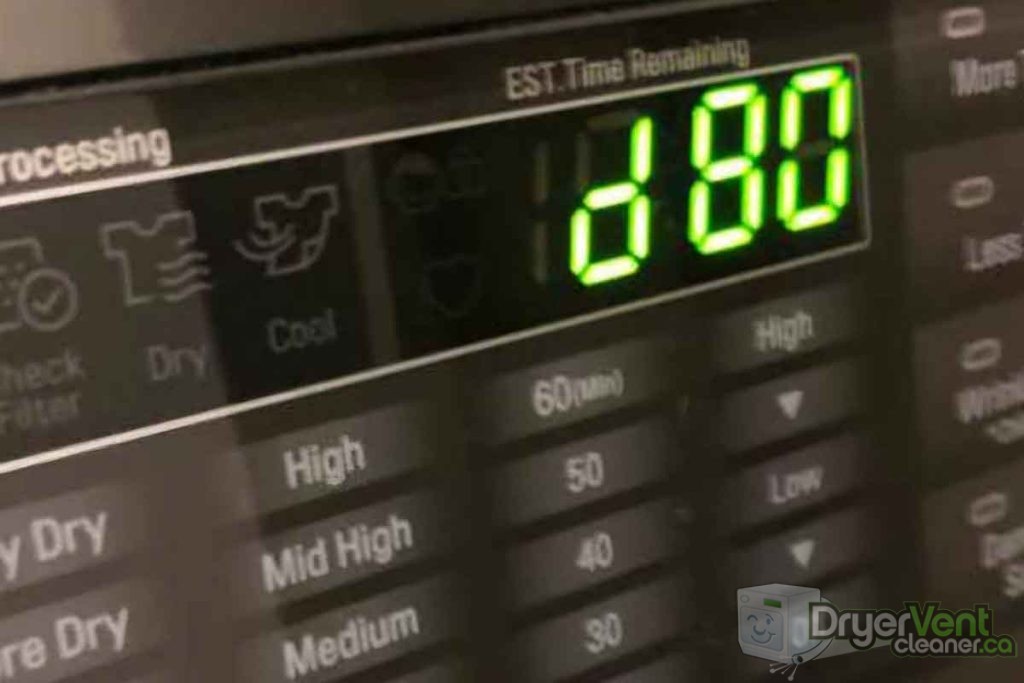
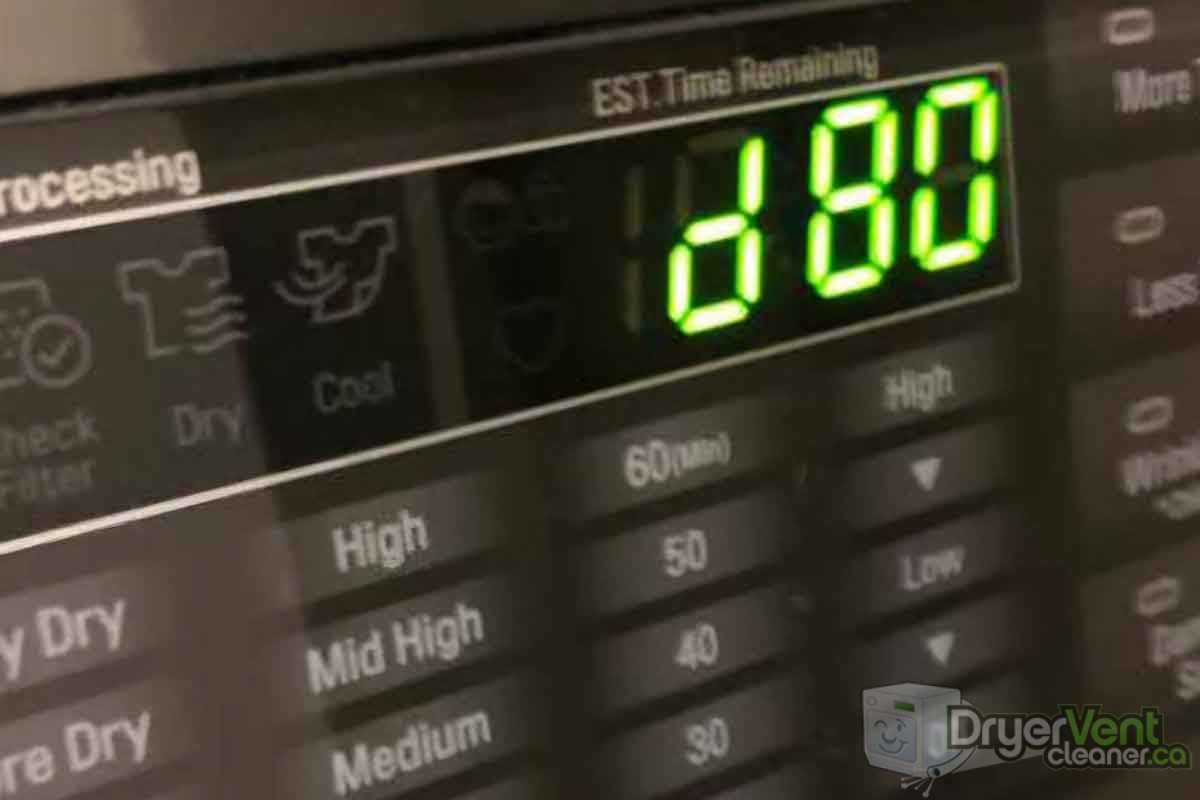
You’ve just bought a brand-new LG dryer, and the first time you use it, the display shows a D80 error. Do you need to send the dryer back? Start by checking the vent. LG’s Flow Sense system uses D80 to flag restricted exhaust airflow, and a new dryer often connects to the same ductwork the old one used. The problem can be as close as a hose pinched behind the machine. LG Canada’s Flow Sense guide
1. Look behind the dryer for too much hose
One of the first things we look at on a new installation is the short hose that joins the dryer to the wall. We often see a full eight-foot hose tucked behind the dryer when the setup only needs two or three feet. The extra hose can bunch up into loops or get crushed when the dryer is pushed back into place. Everything can look fine from the front while the dryer is trying to blow through a flattened bend.
With the dryer off, look behind it if you can do so safely. Check for loops, sharp bends and flattened sections. Two or three feet is an example from our service calls. The right length is the shortest approved metal transition duct that fits your setup without stretching, kinking or crushing when the dryer is back in place. If the dryer has just been delivered, ask the installer to correct a poor connection. Leave moving or disconnecting a gas dryer to a qualified technician. LG Canada’s duct guidance
2. Check the outside vent flap and airflow
Once you’ve addressed any visible obstructions and confirmed the dryer is properly connected, start it briefly and go outside to an outlet you can safely reach from the ground. Does the flap open or do the louvers move? Can you feel air coming out? A flap that barely moves or very little airflow is a clue worth following up on. Stop the dryer if there’s little or no airflow, and have the vent checked before doing another load.
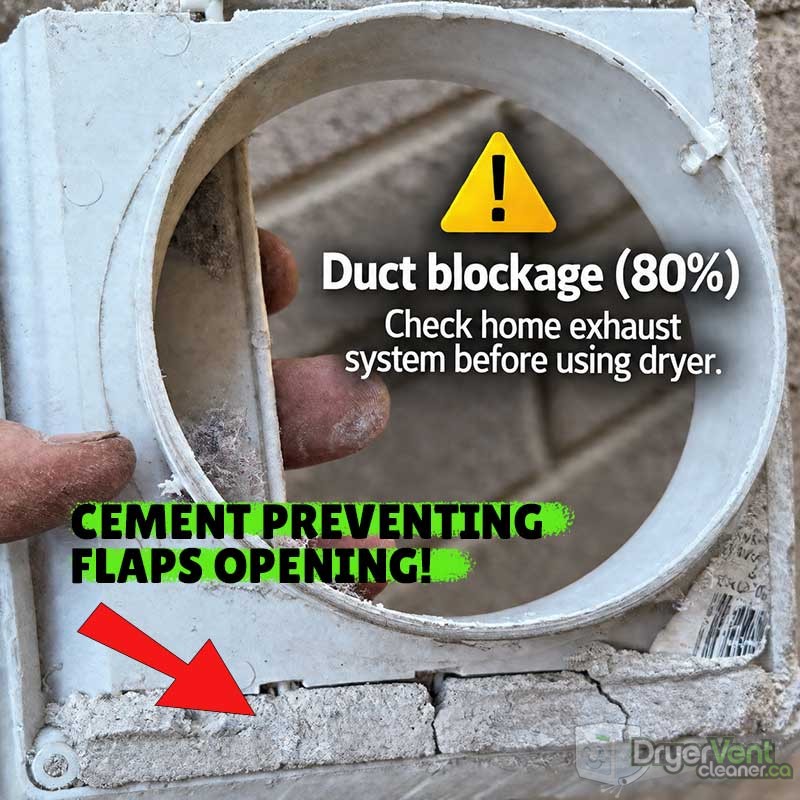
If there’s no air, first make sure you’re looking at the dryer outlet. A bit of lint around the hood can help you identify it. A mat of lint across the opening or a flap stuck with lint could be part of the problem. A clean-looking vent cover can still have a blockage farther back. You could also have a bird’s nest, a crushed duct or a duct that has come apart inside the wall or ceiling. If the outlet is on the roof, have a professional check it. Check your outside vent cover when D80 error message shows.
3. Check whether the drum turns and warms up
During the same brief check, use a manual heated setting. See or listen for the drum tumbling with the door closed. After a minute or two, pause the dryer, open the door and check whether the air inside feels warm. A warm drum that tumbles tells you the dryer can produce heat and turn. It also gives you a useful clue. If it’s tumbling and heating but hardly any air reaches the outside, the vent is where we’d start looking. If the drum stays cold on a heated setting or fails to turn, contact the installer or LG. LG Canada’s installation and heat test
4. Run the LG installation test for your model
Look up the Installation Test or Exhaust Check in your LG owner’s manual. The buttons vary by model, so use the instructions that came with your dryer. Follow the manual’s setup, let the test finish and note what the display shows. LG says that a Flow Sense D80 error warning can take several cycles to clear after airflow improves. If the warning keeps coming back, have the vent checked before resuming regular use. LG’s installation test instructions · LG Canada’s D80 reset guidance
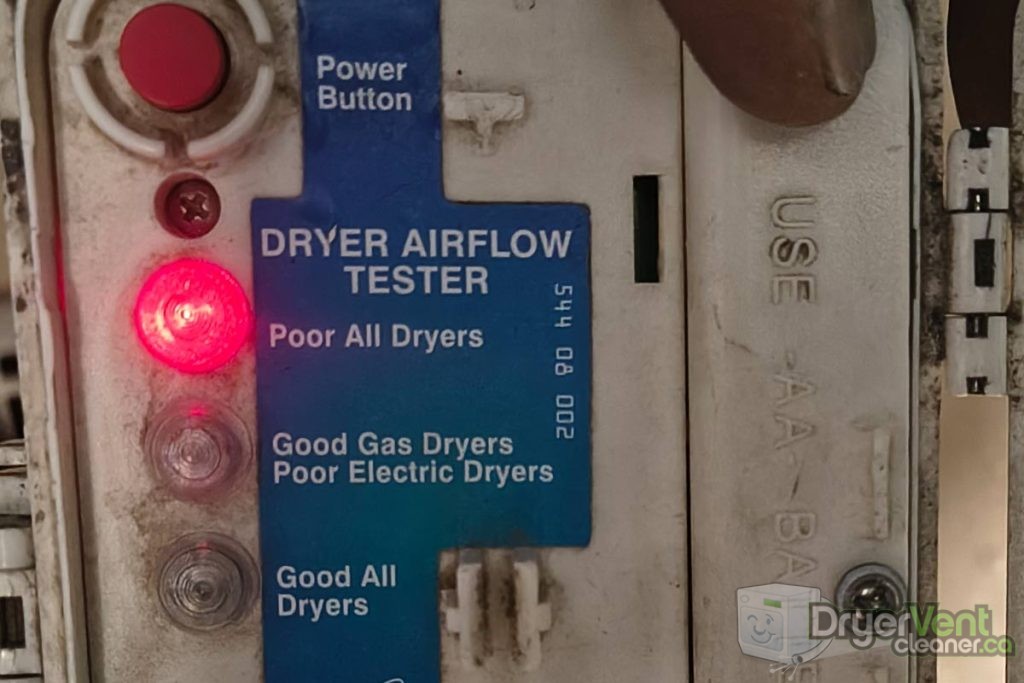
During a service visit, a technician can compare airflow at the dryer with airflow at the outdoor outlet to help isolate the house duct. If a model permits a comparison test with the exhaust duct disconnected, a warning that clears during that test points toward the house vent. We use our own airflow measurements to confirm what’s happening. Leave any test that involves running the dryer with the exhaust disconnected to a qualified technician, especially with a gas dryer.
When should I call Dryer Vent Cleaner or LG?
If the hose behind your new dryer is crushed, start with the installer. If airflow is weak at the outdoor outlet, or you suspect a blockage or disconnect farther along the run, call Dryer Vent Cleaner. We’ve worked on dryer vents for over 15 years across Niagara and Hamilton. We measure airflow and trace the problem from the back of the dryer to the outside outlet, including roof vents. Once we find the cause, we can explain what needs cleaning, reconnecting or correcting.
If the vent checks out and the D80 error persists, contact LG for warranty support. Have the model number, the code and your installation-test results handy when you call.